Every feature, shown in the real product
No mockups. These are screenshots of the working platform — the same boards, records, inbox and rota your team would use on day one.
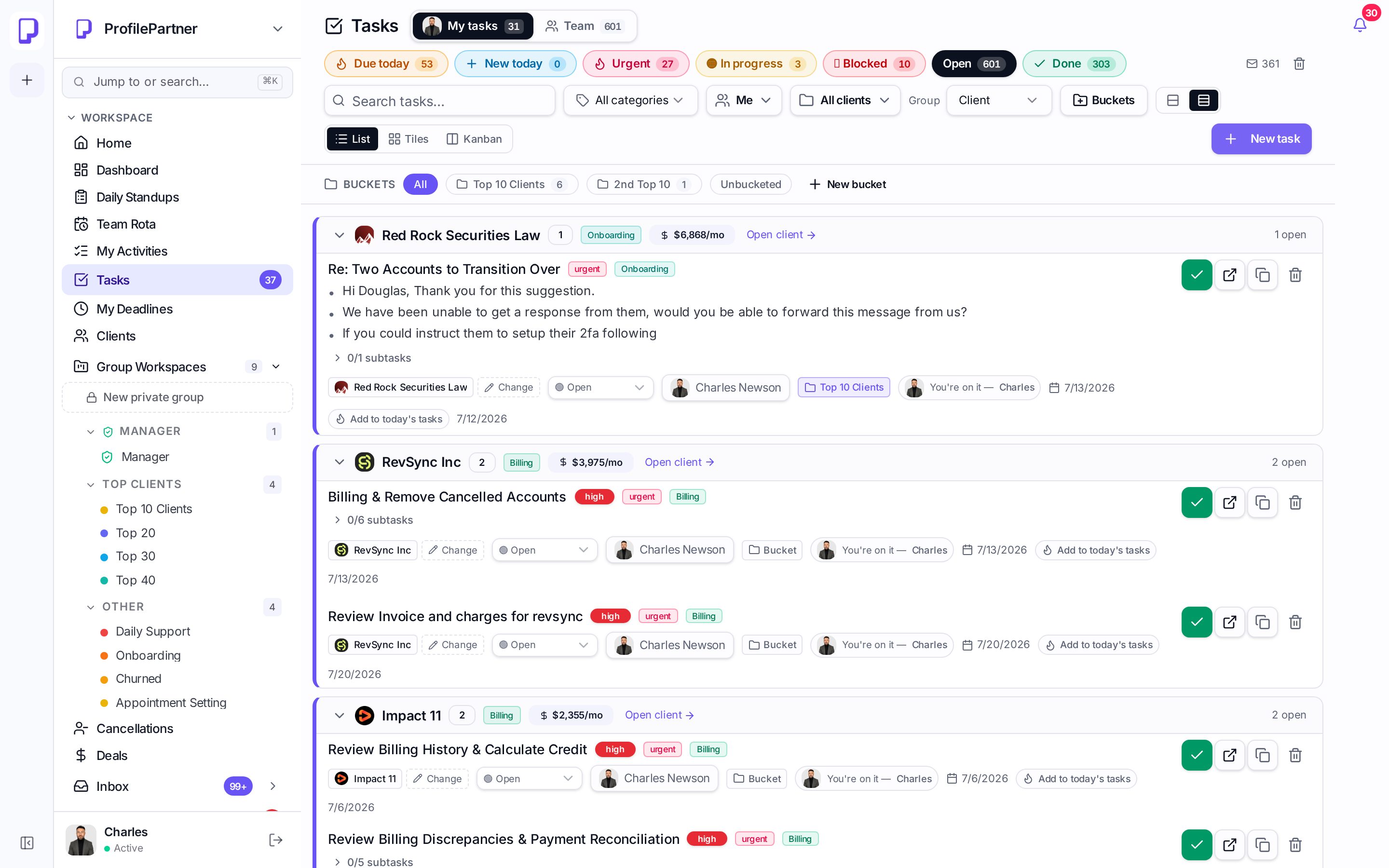
Task boards grouped by the client paying for them
Filters for urgent, due today, blocked and new-today sit pinned at the top. Every row shows the client logo, MRR, bucket, subtask progress and a live deadline pill — and everything is editable inline.
- Client-grouped rows, no cross-client noise
- List, tiles and kanban views on the same data
- Automatic time tracking when a task moves to working
- Subtasks with per-assignee duration and 'need help' flags
- Share any task as a readable link into chat
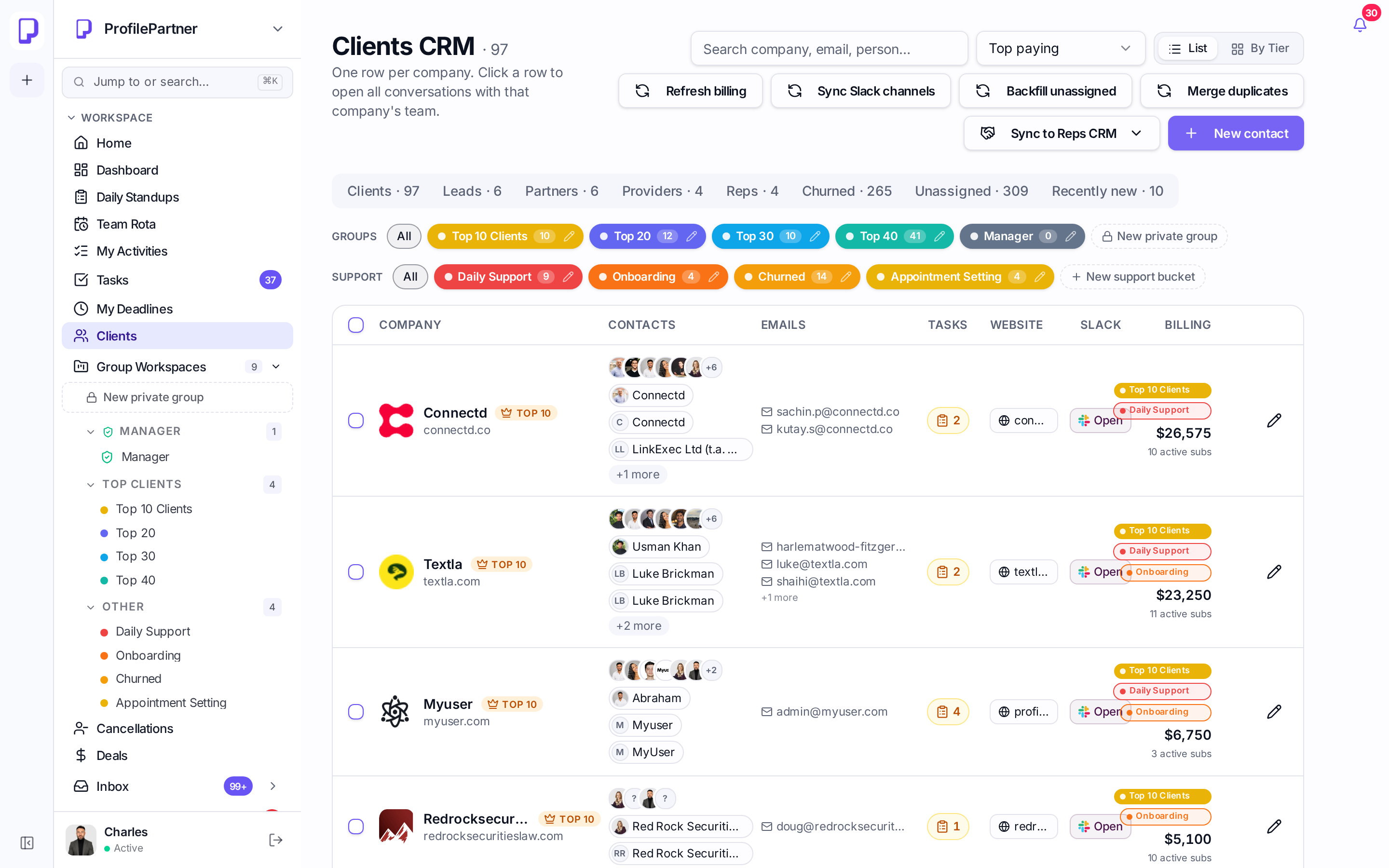
Client records that build themselves
Emails, booked calls and Stripe billing all land on the record. Duplicate contacts merge under one company, and anyone who is not yet a client is captured in unassigned and recently-new tabs.
- Auto-matched email logging by address and domain
- Company-first naming with real brand logos
- MRR, tier and billing history on the record
- Unassigned + recently new pipelines with dates
- Vault for logins, notes and activity timeline
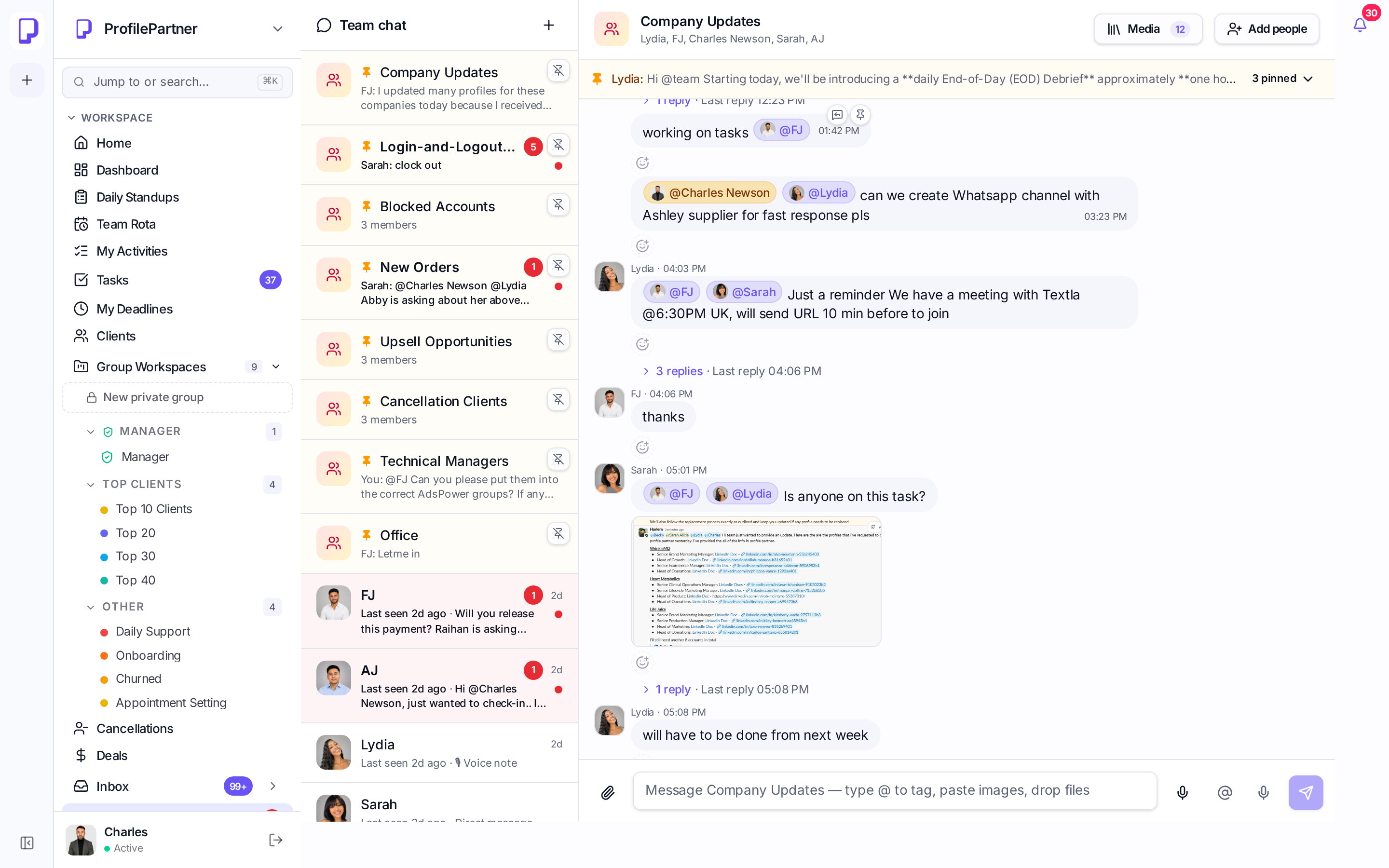
Shared inbox and team chat in the same place as the work
Send Gmail-quality email from a client record with signatures, formatting and open tracking with green read ticks. Internal notes, DMs, voice notes with transcripts and @mentions live beside the task.
- Gmail-grade formatting and signatures
- Read receipts with device and timing detail
- Voice notes with automatic transcription
- Guest access when someone is @mentioned
- Seen-by tracking that only counts real views
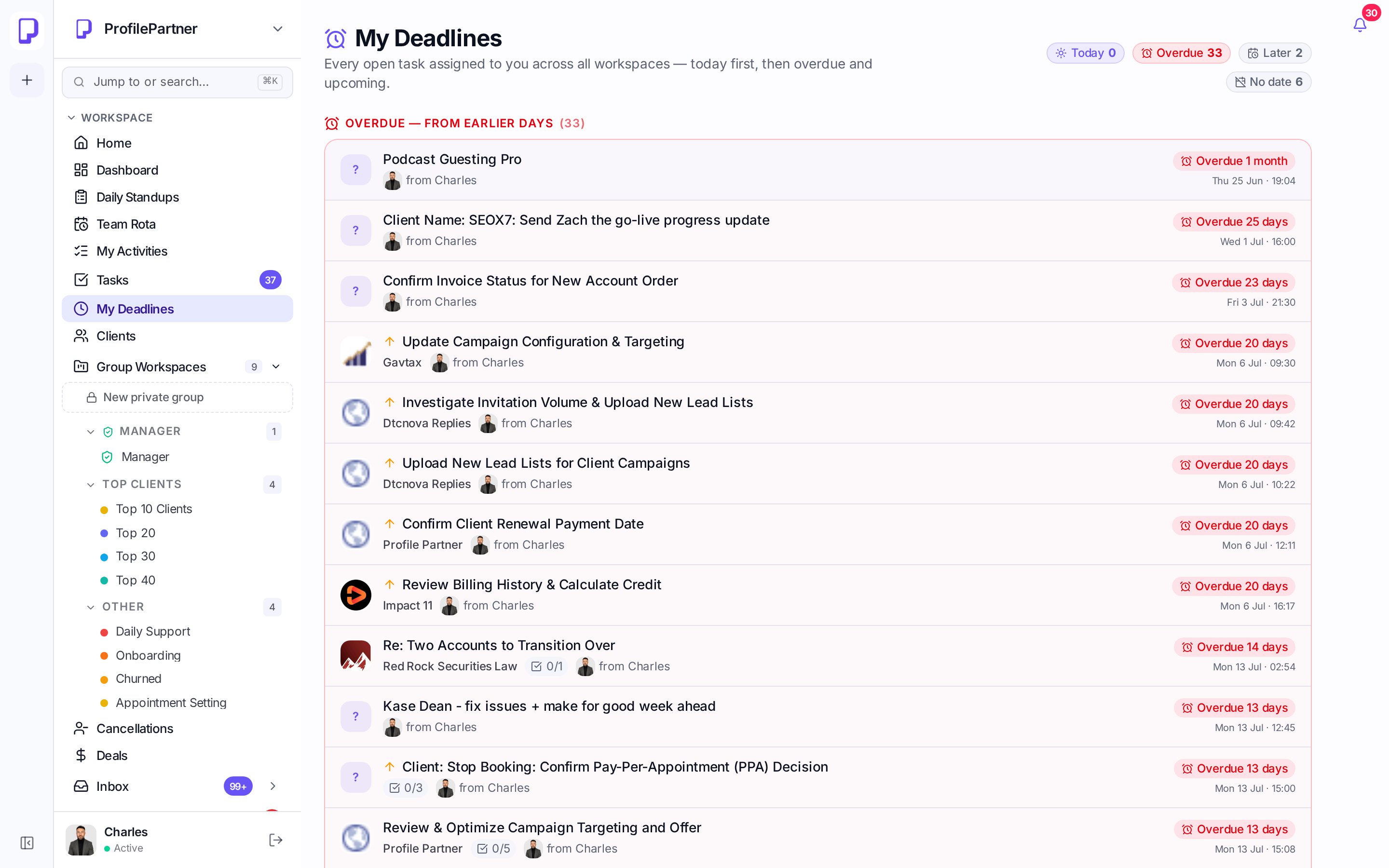
Everyone knows what they personally owe today
My Deadlines pulls every assignment across all group workspaces into one chronological list — overdue first, then today, then coming up.
- Cross-workspace personal view
- Overdue, today and upcoming grouping
- Subtask progress and client logo on each row
- Deadline presets anchored to your business hours
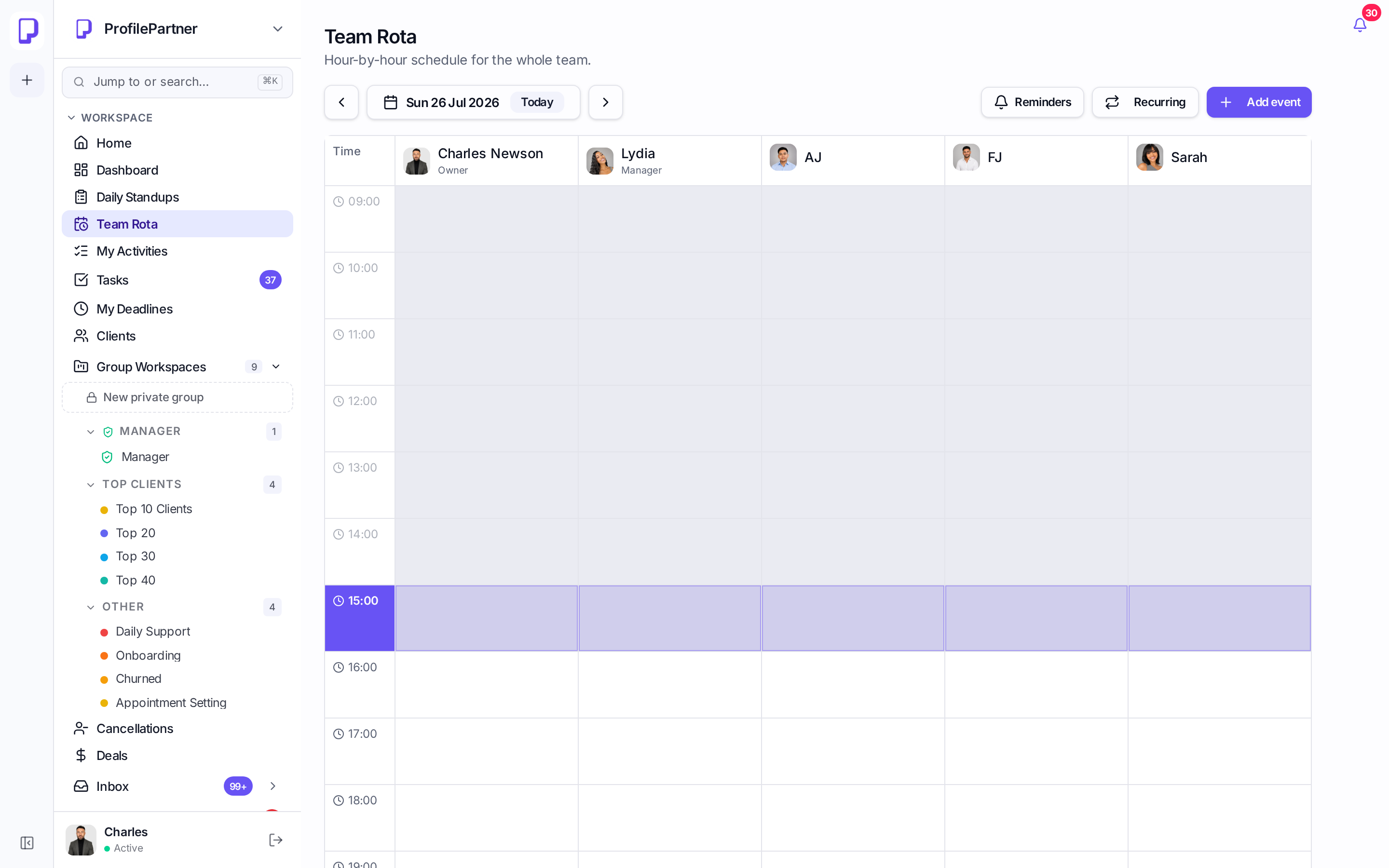
A rota that stays true without anyone maintaining it
Task deadlines create rota events for the assignee automatically and Calendly bookings appear inline, colour-coded by task status.
- Database-level sync from tasks to rota
- Calendly bookings with lead capture actions
- Status colours: done, working, stuck
- Private manager workspaces stay private
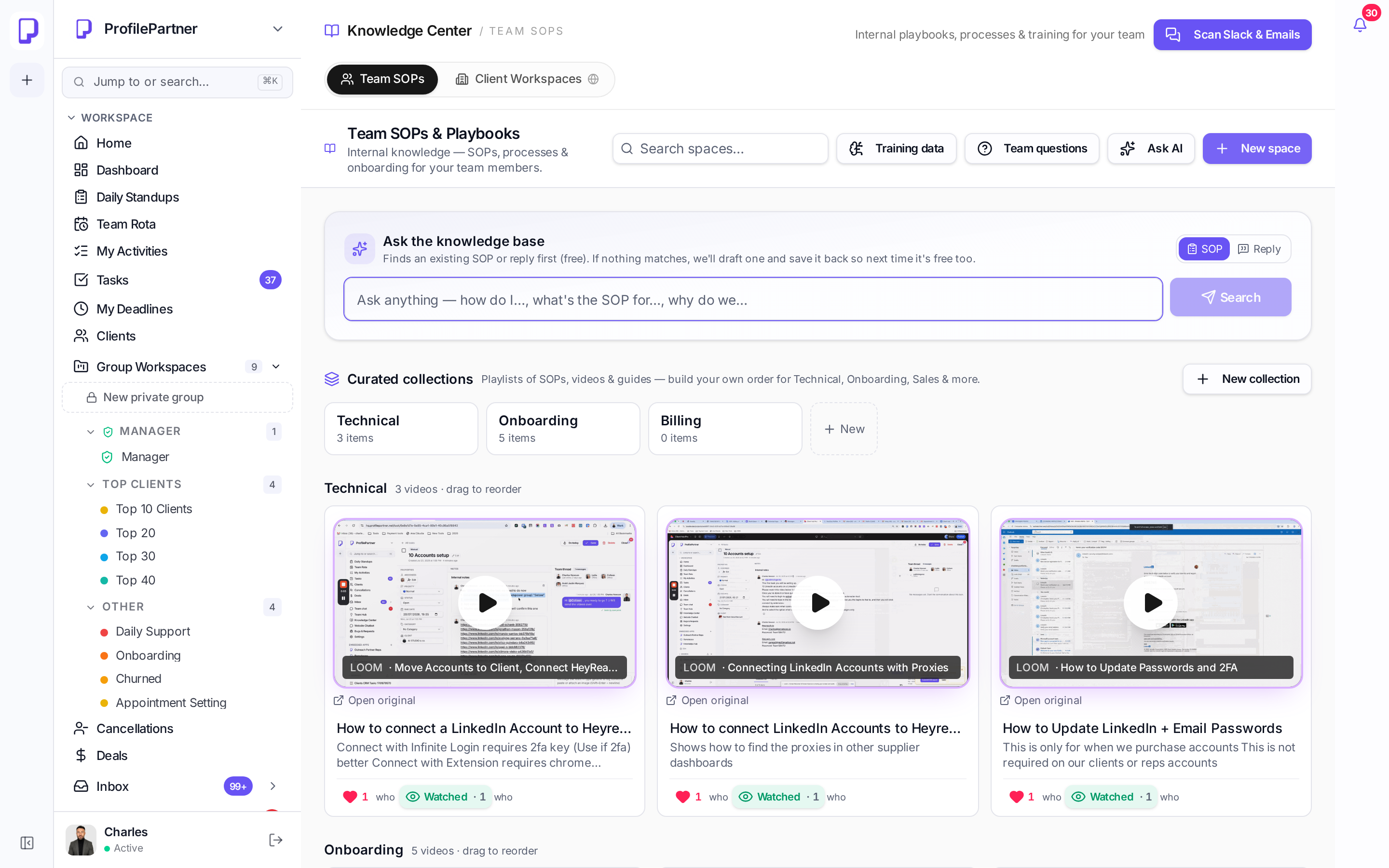
A knowledge centre your team measurably uses
Curated collections by function, embedded video walkthroughs, SOPs with a table of contents, reply templates, and a question-capture loop that maps real team questions to the right guide.
- Curated collections with drag-and-drop order
- Embedded Loom/video playbooks
- Likes, views and read tracking
- Team questions mapped to the best guide
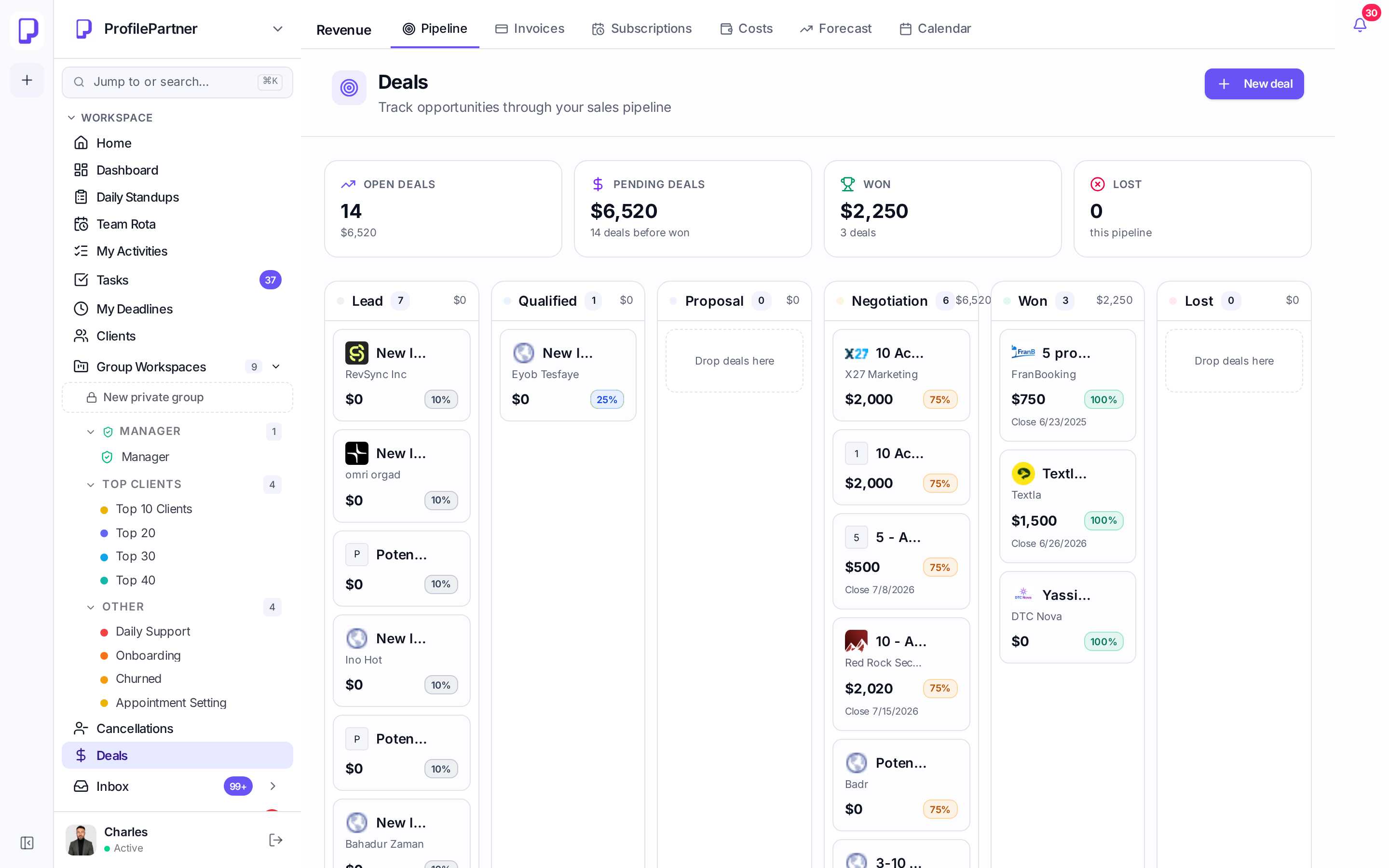
Revenue and output measured from the same data
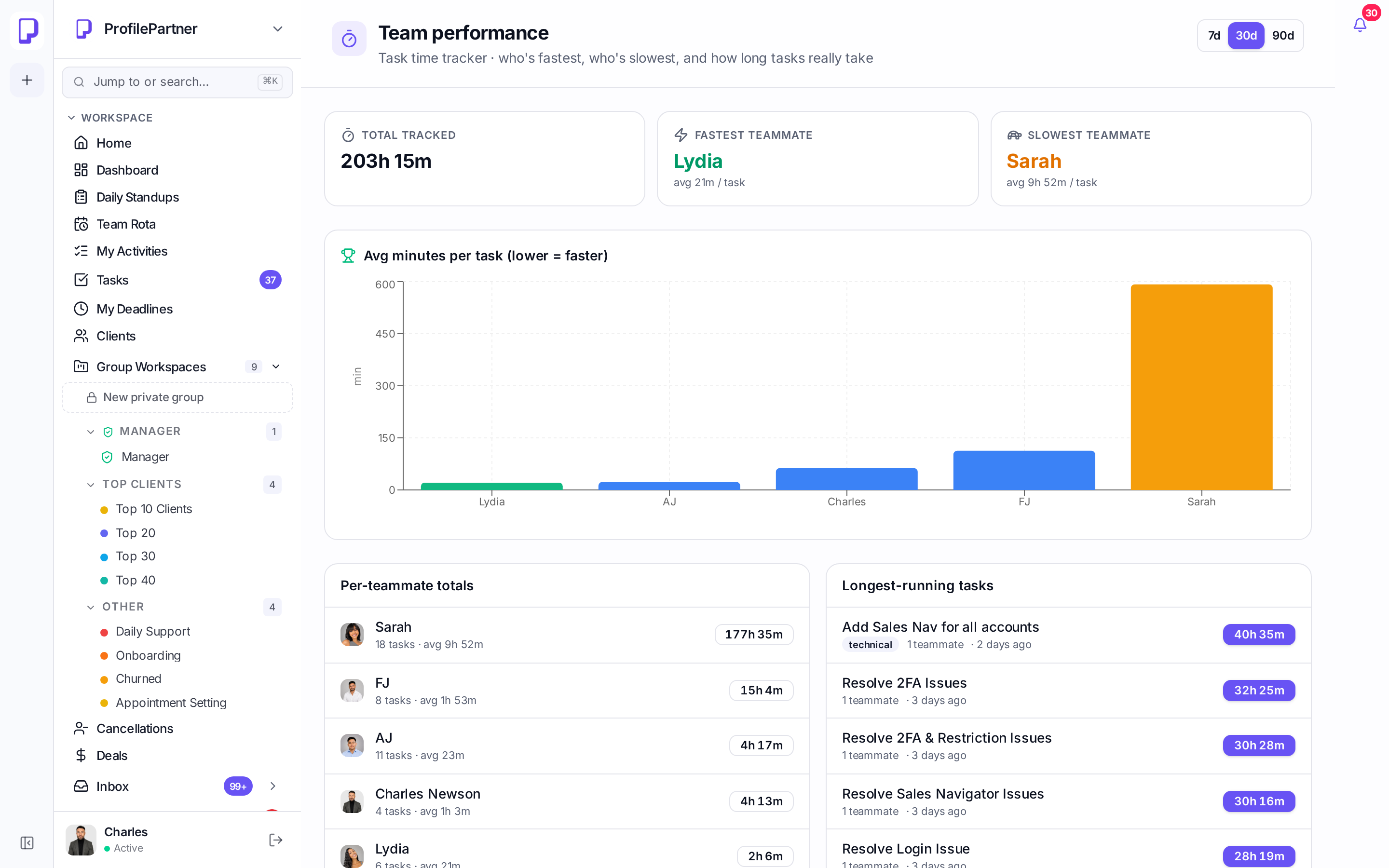
Pipeline, MRR, subscriptions and forecasting sit next to team performance, so delivery effort can be read against what each client is worth.
- MRR, pipeline and subscription renewals
- Completed tasks and tracked time per teammate
- Standups and daily activity history
- Notification centre with an urgent tab
Why agencies move off generic project tools
Monday and Asana manage tasks. A CRM manages contacts. Neither connects the delivery work to the client, the money and the calendar in one place.
| Capability | ProfilePartner HQ | Monday | Asana / ClickUp | Standalone CRM |
|---|---|---|---|---|
| Tasks grouped under the paying client | partial | partial | ||
| Client CRM built automatically from email & billing | partial | |||
| Shared client inbox with open tracking | partial | |||
| Rota auto-generated from task deadlines | ||||
| Calendly bookings inside the delivery view | partial | |||
| Knowledge base with read & engagement tracking | ||||
| Voice notes with automatic transcripts | ||||
| Per-subtask time tracking that starts itself | partial | partial | ||
| Workspace-level permissions with tagged guest access | partial | partial | partial |
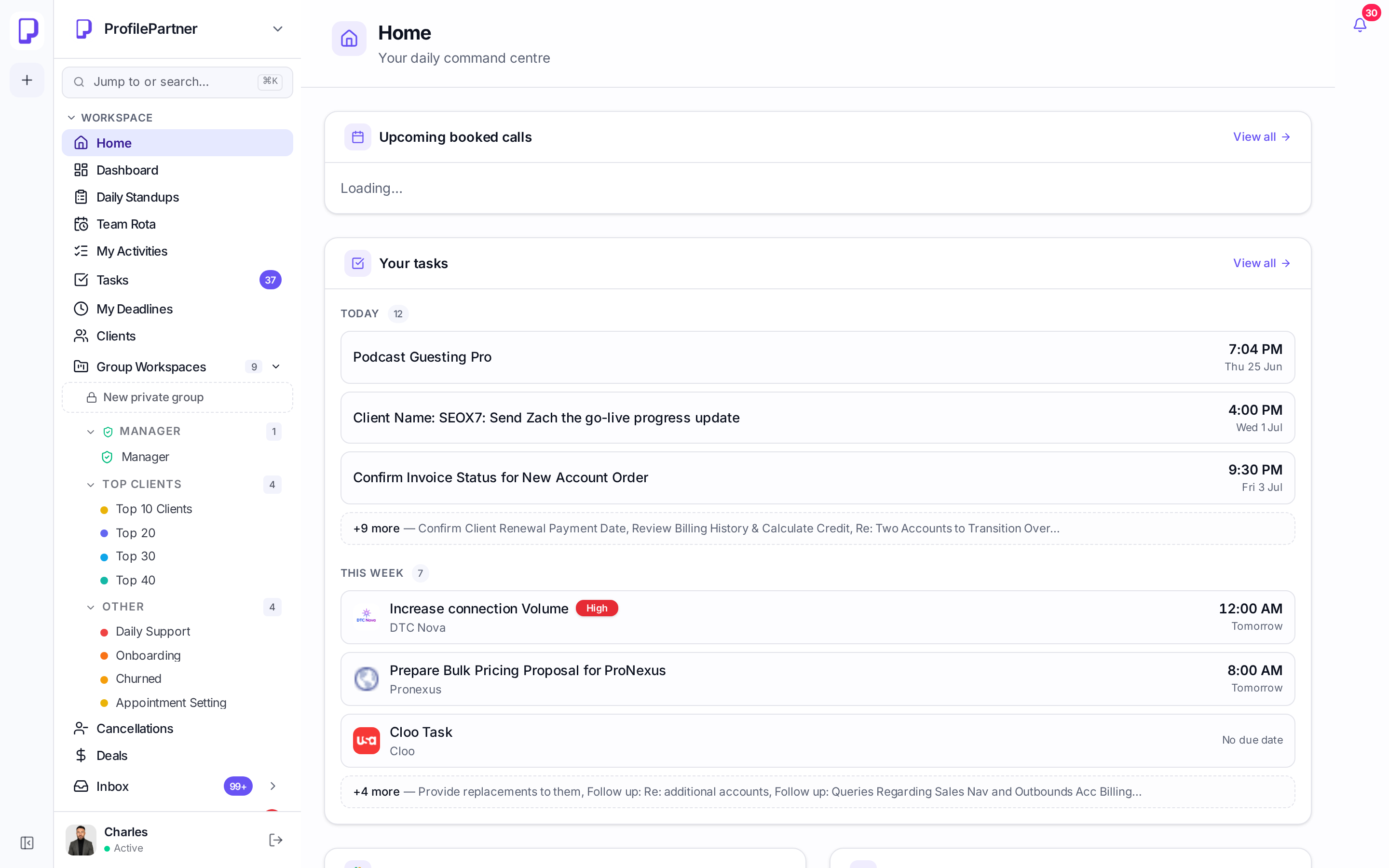
Your team opens one page in the morning
Booked calls, tasks due today, this week's commitments and anything overdue — assembled per person.